Getting started
How to Use KeepNotes: Create, Save and Find Your Notes
Create your first KeepNotes note, keep its link, choose account or password protection, and export a copy with this practical beginner guide.
2 min readUseful habits, simple templates, and a few ideas worth keeping.
For the things you write down every day.
Write it down, keep the link, and know where to find it next time. A practical introduction to KeepNotes.
Read the beginner guideCreate your first KeepNotes note, keep its link, choose account or password protection, and export a copy with this practical beginner guide.
2 min readCompare KeepNotes, Google Keep, Notion and Evernote by the work you need to do: quick text capture, organized notes, project pages or offline access.
3 min readFind out when a browser notepad suits quick writing, lists and drafts, and when offline access, reminders or sensitive records need another tool.
3 min readExport notes as text or PDF before travel, test the saved files offline, and understand why an installed web app is not a guaranteed backup.
2 min readInstall KeepNotes as a web app on Android, iPhone or desktop, troubleshoot missing install options, and prepare a separate offline backup.
2 min readFind the same note on your phone and computer, check account access, avoid conflicting edits, and keep a backup when moving between devices.
2 min readUse KeepNotes AI assistance to summarize a draft or check grammar, review the result carefully, and keep private details out of submitted text.
2 min readFind useful KeepNotes tools for version history, attachments, text and PDF exports, pinned links, and custom URLs, with practical tips for each.
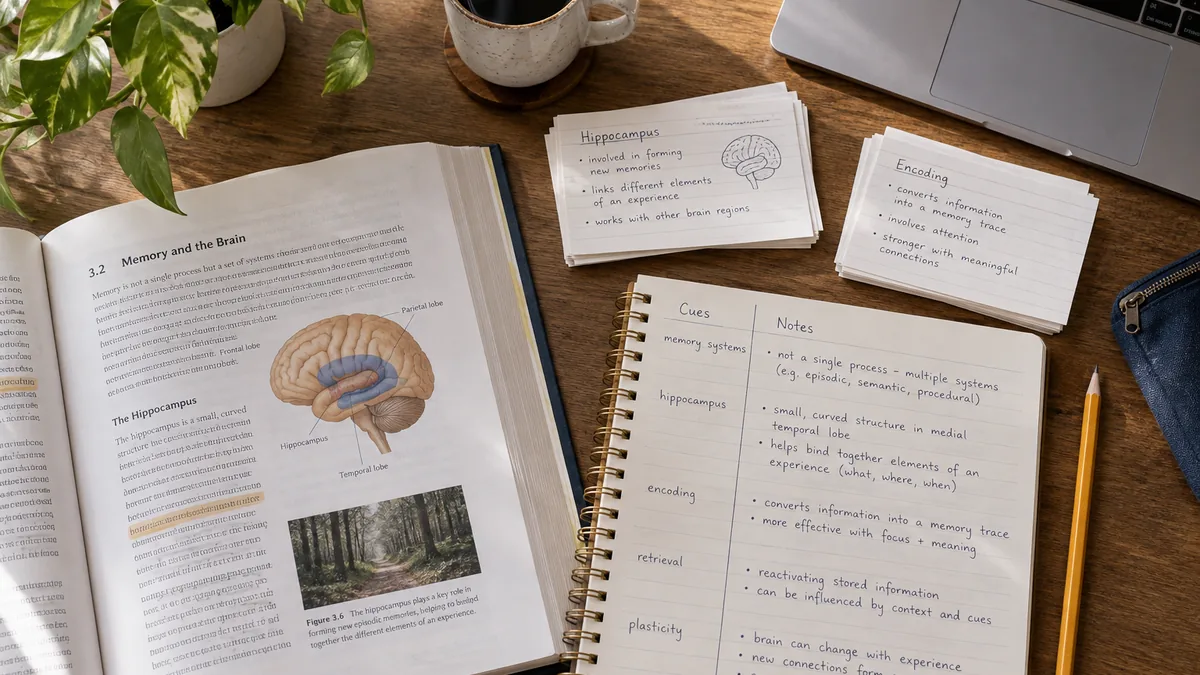
2 min readTurn class notes into review questions, use a plain-text Cornell layout, and build a study routine with examples you can copy into KeepNotes.
2 min readUse descriptive headings, an index note and a small weekly review to keep KeepNotes links findable, with a copyable example.
2 min readCopy plain-text templates for meetings, daily planning, study, weekly reviews and project kickoffs, then customize them in KeepNotes.
3 min readCapture a thought with enough context to use it later, turn it into a next action, and review your KeepNotes inbox without a complex system.
2 min readCapture rough ideas, group the useful ones, use practical brainstorming prompts, and turn a KeepNotes draft into a small next action.
2 min readStart a manageable digital journal with short prompts, a copyable entry format, and practical advice for privacy, organization and backups.
2 min readBuild a plain-text weekly habit tracker, choose a small repeatable action, and turn a goal into a concrete next step without extra software.
2 min readCopy a travel-planning layout for daily itineraries, packing lists and booking notes, with a checklist for keeping essential details available offline.
2 min readTry ten everyday online-note workflows, from shopping lists and meeting actions to study questions, packing plans and a reusable note index.
2 min readSet a note password, choose a useful hint, check access, and understand the difference between passwords, account ownership and encryption.
2 min readShare a note by link or QR code, check account and password access, and avoid exposing private text when sending it to someone else.
2 min readUnderstand HTTPS, encryption at rest, end-to-end encryption and note passwords before choosing where to keep private text.
2 min readChoose what belongs in an online note, check link access and browser storage, and understand what KeepNotes promises about privacy.
2 min readNo matching guides. Try “templates”, “study” or “privacy”.
A list, a draft, an idea you do not want to lose.
Open the notepadArticle images are AI-generated editorial illustrations, not product screenshots.