A plain notepad works best when the job is clear. You need a list, an outline, a small record, or text to move between devices. Here are ten ways to use it without turning every note into a project.
1. A shopping list
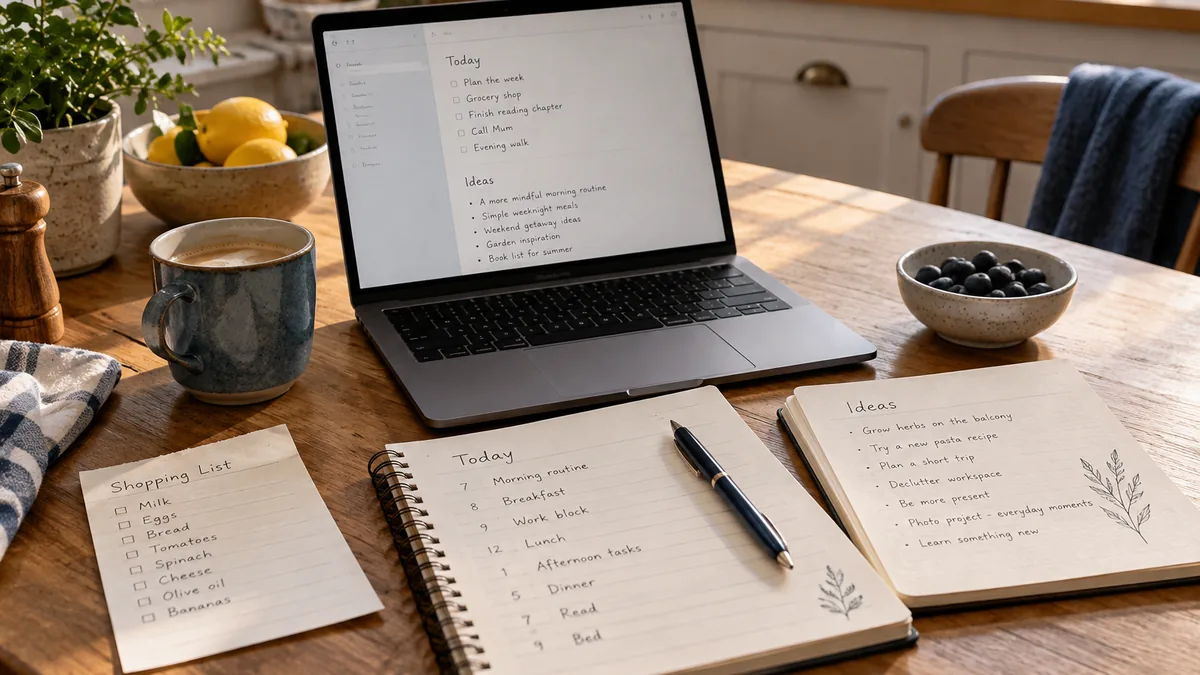
Group items by store section. Keep a small "Already have" line if you often buy duplicates. Use text checkboxes and edit them as you go.
2. Meeting actions
Capture the decision, the person responsible, and the due date. The meeting template keeps those fields together.
3. A rough email draft
Write the message before opening the email composer. Review the recipient and facts when you paste it into email; a polished draft can still go to the wrong person.
4. Study questions
After a lesson, write three questions you should be able to answer without looking. Use our study workflow for a longer review sheet.
5. An idea inbox
Catch a thought with its context and next action. Review it later instead of organizing it while another task is waiting. The quick-note routine has an example.
6. A travel packing list
Separate what to pack, what to buy, and what to arrange. Download the list before leaving if you will need it without a connection.
7. A short daily plan
Choose three realistic outcomes. Put time-sensitive appointments in a calendar too; a note does not create alerts.
8. A personal reading log
Record the book or article, one idea to remember, and a question it raised. A short entry is easier to maintain than an elaborate rating system.
9. A temporary cross-device clipboard
Move a public address or non-sensitive snippet from your computer to your phone through the same note URL. Remove the temporary text afterward. The device guide explains access checks.
10. A directory of your notes
Keep a bookmarked index containing your most-used note links. Update it when a URL changes. See how to organize notes for a copyable layout.
Match the tool to the content
Use a clear heading and keep the link somewhere reliable. For private content, check access rules rather than treating the address as a secret.
Export records you need to keep. If a task requires end-to-end encryption, automatic reminders, or simultaneous document editing, choose a tool that explicitly supports those needs.