KeepNotes

Time-Saving Templates for Faster Note-Taking

Published on July 8, 2025

Templates help you focus on content, not formatting. Instead of starting every note from a blank page and deciding how to structure it, templates give you a proven framework that you can fill in immediately. This saves time, ensures consistency across similar notes, and reduces the mental effort required to begin writing. With KeepNotes, you can create reusable templates by saving blank structure notes and copying them whenever you need a new instance.

Why Templates Matter for Productivity

The blank page is the enemy of productivity. When you open an empty note and have to decide not only what to write but how to structure it, you waste valuable mental energy on formatting decisions instead of content. This is especially problematic for recurring note types like meeting minutes, daily plans, or weekly reviews, where the structure is the same every time but the content changes.

Templates eliminate this decision fatigue. When you have a pre-built structure waiting for you, the only thing you need to think about is filling in the information. Research on cognitive load shows that reducing unnecessary decisions in a workflow leads to higher quality output and less mental exhaustion by the end of the day.

Meeting Notes Template

Meeting notes are one of the most common note types, and having a consistent template ensures you capture all the important information every time. Here is a comprehensive meeting notes template:

MEETING NOTES
=============
Date: [Date]
Time: [Start time] - [End time]
Location: [Room/Link]
Attendees: [Names]
Note-taker: [Your name]

AGENDA:
1. [Topic 1]
2. [Topic 2]
3. [Topic 3]

DISCUSSION:
Topic 1:
- [Key points discussed]
- [Decisions made]

Topic 2:
- [Key points discussed]
- [Decisions made]

ACTION ITEMS:
- [ ] [Task] - [Assigned to] - Due: [Date]

NEXT MEETING: [Date/Time]
FOLLOW-UP NEEDED: [Yes/No - Details]
      

This template ensures you never forget to record attendees, capture action items with clear ownership, or note the next meeting date. After the meeting, share the note URL with all attendees so everyone has access to the same information.

Daily Planner Template

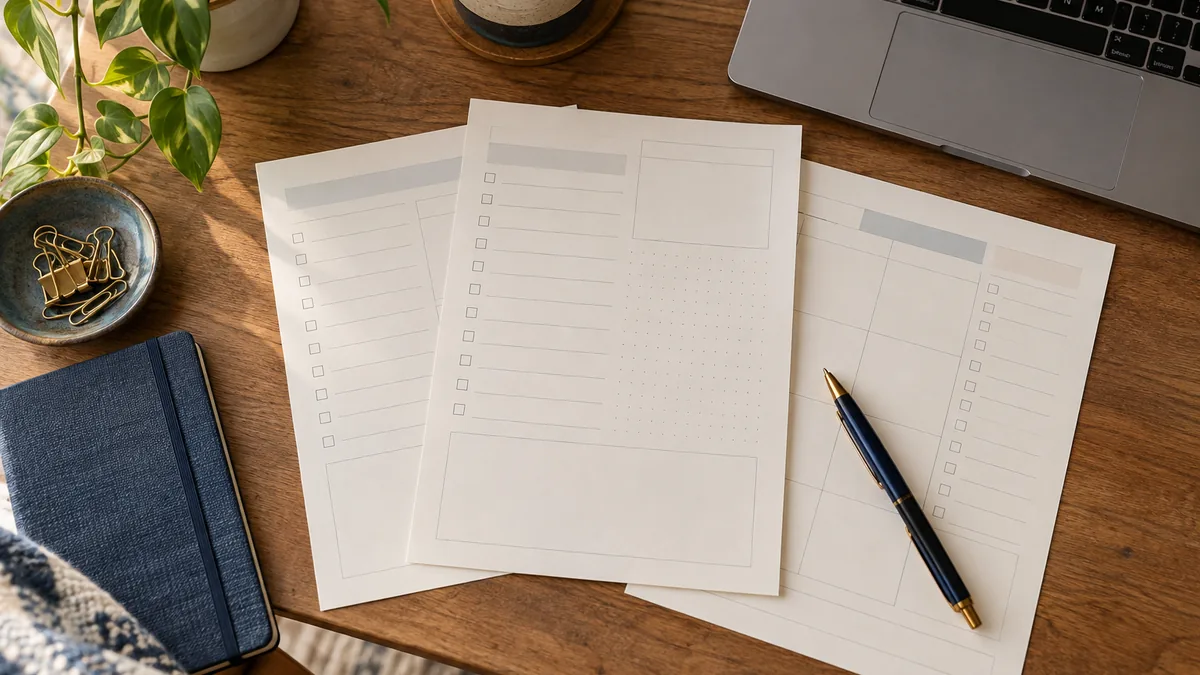
Starting each day with a structured plan helps you prioritize effectively and maintain focus throughout the day. This template combines task management with time blocking and reflection:

DAILY PLANNER - [Date]
======================

TOP 3 PRIORITIES:
1. [Most important task]
2. [Second priority]
3. [Third priority]

SCHEDULE:
08:00 - [Activity]
09:00 - [Activity]
10:00 - [Activity]
11:00 - [Activity]
12:00 - Lunch
13:00 - [Activity]
14:00 - [Activity]
15:00 - [Activity]
16:00 - [Activity]
17:00 - Wrap up

ADDITIONAL TASKS:
- [ ] [Task]
- [ ] [Task]
- [ ] [Task]

NOTES:
[Space for random thoughts throughout the day]

END OF DAY REFLECTION:
- What went well:
- What could improve:
- Tomorrow's focus:
      

Fill in the schedule section each morning, update it as your day evolves, and complete the reflection section before you leave work. Over time, your collection of daily planner notes becomes a valuable record of how you spend your time.

Study Sheet Template

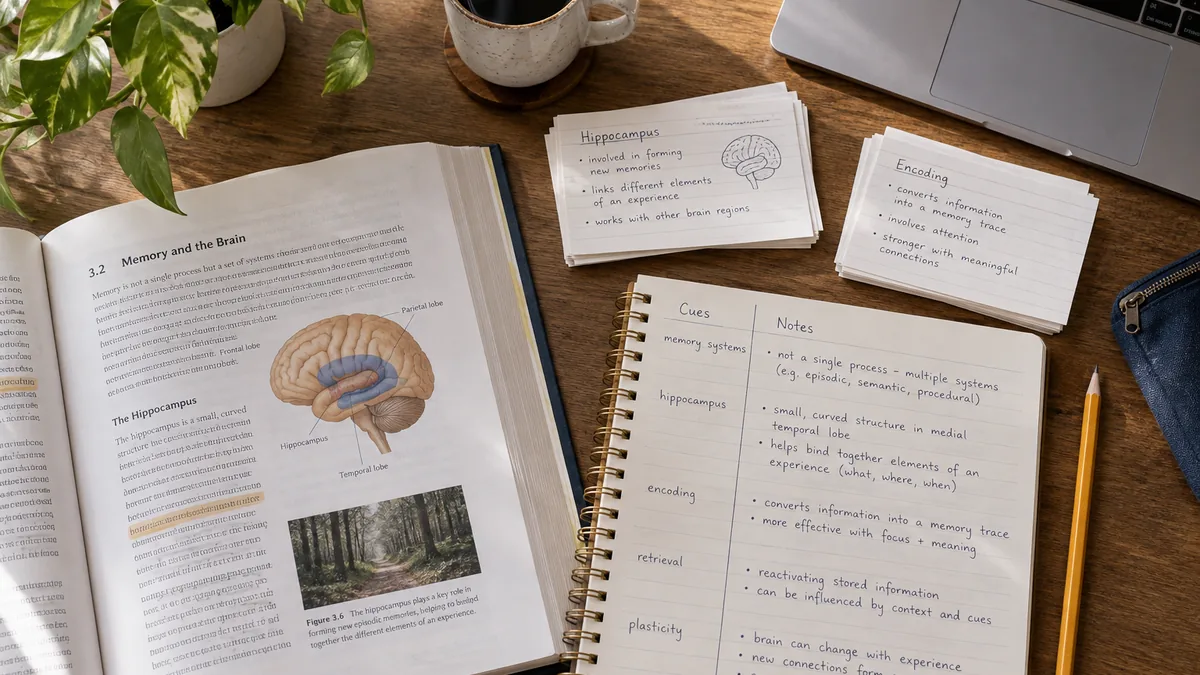
Students can benefit enormously from consistent note templates that support effective learning. This study sheet template follows the Cornell Method, which has been shown to improve retention and comprehension:

STUDY SHEET
===========
Subject: [Subject name]
Topic: [Chapter/Lecture topic]
Date: [Date]

KEY TERMS:
- [Term 1]: [Definition]
- [Term 2]: [Definition]
- [Term 3]: [Definition]

MAIN NOTES:
[Detailed notes from lecture or reading]
[Include examples, diagrams descriptions, formulas]

QUESTIONS:
1. [Question for self-testing]
2. [Question for self-testing]
3. [Question for self-testing]

SUMMARY (write this last):
[2-3 sentence summary of the entire topic in your own words]

DIFFICULTY: [Easy / Medium / Hard]
REVIEW DATE: [When to review this topic next]
      

The summary section at the bottom is the most important part. Writing a summary in your own words forces you to process and synthesize the information, which significantly improves long-term retention.

Weekly Review Template

A weekly review is a productivity practice popularized by David Allen's Getting Things Done methodology. It helps you maintain perspective, clear your mental inbox, and set intentions for the coming week:

WEEKLY REVIEW - Week of [Date]
==============================

ACCOMPLISHMENTS:
- [What I completed this week]
- [Milestones reached]
- [Problems solved]

CHALLENGES:
- [What was difficult]
- [What did not go as planned]
- [Blockers encountered]

LESSONS LEARNED:
- [Insights from this week]

OPEN ITEMS (Carry forward):
- [ ] [Incomplete task from this week]
- [ ] [Task needing follow-up]

NEXT WEEK'S FOCUS:
1. [Top priority]
2. [Second priority]
3. [Third priority]

PERSONAL CHECK-IN:
Energy level: [1-10]
Stress level: [1-10]
Satisfaction: [1-10]
      

Project Kickoff Template

When starting a new project, having a structured kickoff note ensures you think through all the important aspects before diving into execution:

PROJECT: [Project Name]
=======================
Start Date: [Date]
Target Completion: [Date]

OBJECTIVE:
[What this project aims to achieve in 1-2 sentences]

SCOPE:
In scope:
- [Deliverable 1]
- [Deliverable 2]

Out of scope:
- [What we are NOT doing]

KEY MILESTONES:
1. [Milestone] - Due: [Date]
2. [Milestone] - Due: [Date]
3. [Milestone] - Due: [Date]

RISKS:
- [Potential risk] - Mitigation: [Plan]

RESOURCES NEEDED:
- [Tools, budget, people]

NOTES:
[Additional context and decisions]
      

How to Create and Use Templates in KeepNotes

KeepNotes does not have a dedicated template feature, but you can create your own template system with a simple workflow:

  1. Create a template note: Write out the template structure in a new note. Give it a clear name like "[Template] Meeting Notes" or "[Template] Daily Planner."
  2. Save and bookmark it: Keep the template note as a permanent reference. Consider giving it a custom URL slug like /template-meeting for easy access.
  3. Copy when needed: When you need a new note based on the template, open the template note, select all the content, create a new note, and paste the structure. Then fill in the details.
  4. Customize over time: As you use a template repeatedly, you will discover what works and what does not. Update the template note to reflect your improvements.

Tips for Effective Templates

Try a note template now at KeepNotes.online