KeepNotes

Boost Creativity with AI-Powered Notes

Published on July 8, 2025

Artificial intelligence is transforming the way we work, learn, and create. From drafting emails to analyzing data, AI tools are becoming indispensable assistants in our daily lives. But one of the most practical and overlooked applications of AI is in note-taking. KeepNotes includes a built-in AI assistant that helps you think, write, and work faster — right inside the note editor where you are already working. No separate apps, no copy-pasting between windows, and no subscriptions required.

What Can the AI Assistant Do?

The KeepNotes AI assistant is designed to augment your note-taking workflow, not replace it. It operates on the content of your current note and performs tasks that would otherwise require switching to a separate tool. Here are the core capabilities:

Summarize Long Content

Have you ever written several pages of meeting notes, research findings, or lecture content and wished you could quickly distill it into key takeaways? The AI summarization feature does exactly that. It reads your note content and generates a concise summary highlighting the most important points, decisions, and action items.

This is particularly valuable for meeting notes that need to be shared with people who did not attend the meeting. Instead of sending the full raw notes, you can generate a summary that captures the essentials in a fraction of the reading time. It is also useful for students who need to condense extensive lecture notes into study-friendly summaries before exams.

Check Grammar and Improve Writing

The grammar checking feature reviews your note content for spelling errors, grammatical mistakes, punctuation issues, and awkward phrasing. Unlike basic spell checkers built into browsers, the AI understands context and can identify errors that simpler tools miss, such as incorrect word usage (their vs. there), subject-verb disagreement in complex sentences, and inconsistent tense throughout a document.

Beyond error correction, the AI can suggest improvements to make your writing clearer and more concise. If a sentence is unnecessarily wordy, it might suggest a shorter alternative. If a paragraph lacks structure, it might recommend reorganizing the ideas for better flow. This is especially helpful for professional notes that will be shared with colleagues, clients, or stakeholders.

Generate and Expand Ideas

Sometimes you have the seed of an idea but need help developing it further. The AI assistant can take a topic, a rough outline, or a few bullet points and expand them into more detailed content. This is not about the AI writing your notes for you — it is about using AI as a thinking partner that helps you explore angles you might not have considered.

For example, if you write "brainstorm marketing ideas for a new product launch," the AI can generate a list of potential strategies covering social media, email marketing, influencer partnerships, content marketing, and more. You can then review these suggestions, keep the ones that resonate, and develop them further in your own words.

How to Use the AI Assistant

Using the AI assistant in KeepNotes is straightforward:

  1. Write your note content. The AI works best when it has meaningful content to analyze, so write your notes first.
  2. Click the AI assistant icon in the toolbar. This opens the AI interface panel.
  3. Choose your action. Select from available options such as Summarize, Grammar Check, or Ask a Question.
  4. Review the result. The AI generates its output, which you can review, edit, and incorporate into your note as you see fit.

The AI processes your request and returns results within a few seconds. You retain full control over your content — the AI never modifies your note directly. It presents suggestions that you can accept, modify, or ignore.

Practical Use Cases for AI-Powered Notes

The AI assistant's value becomes clear through practical everyday scenarios:

Professional Communication

Draft an important email in KeepNotes, then use the AI to check grammar, improve tone, and ensure clarity before sending it. This is faster than using a separate grammar-checking website and keeps your workflow in one place. The AI can also help you adjust the tone of your writing — making a message more formal for a client or more casual for a team update.

Research and Learning

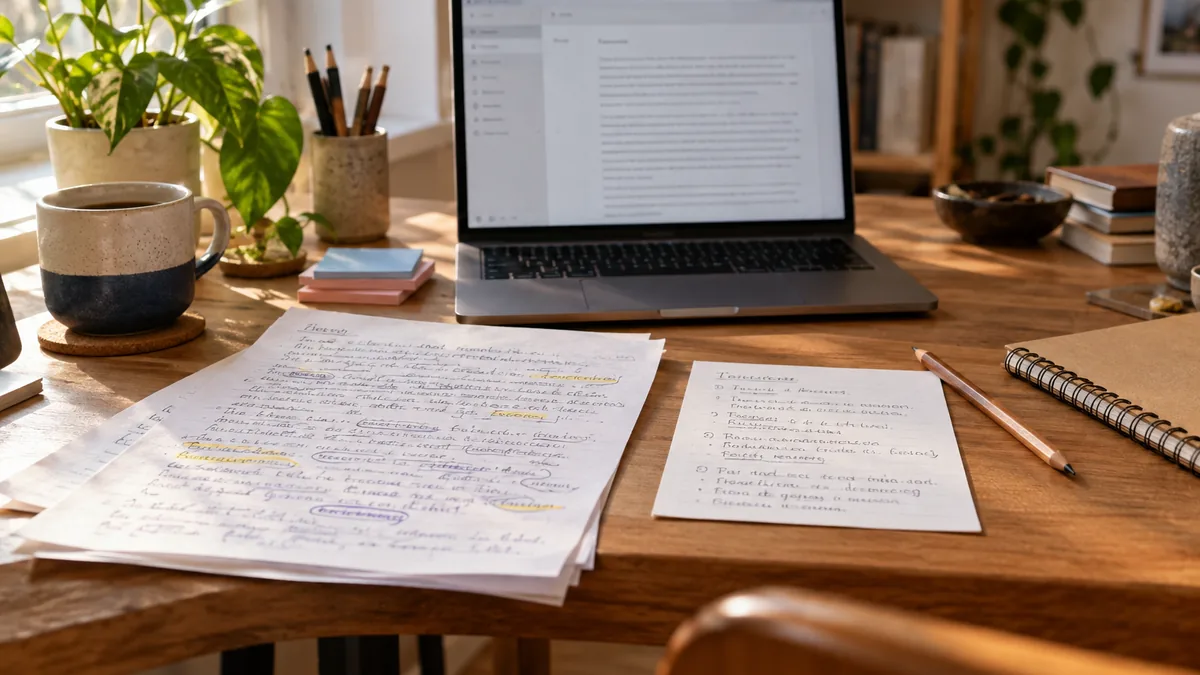
When researching a topic, you often accumulate pages of raw notes from various sources. The AI can help you synthesize this material by generating summaries of each section, identifying common themes across your notes, and suggesting questions that your research has not yet answered. This accelerates the research process and helps you identify gaps in your knowledge.

Content Creation

Writers, bloggers, and content creators can use the AI assistant to brainstorm headlines, generate outlines, overcome writer's block, and refine drafts. Start with a rough draft of your ideas, then ask the AI to suggest improvements, identify weak arguments, or propose alternative structures. The result is a stronger piece of content created in less time.

Study and Exam Preparation

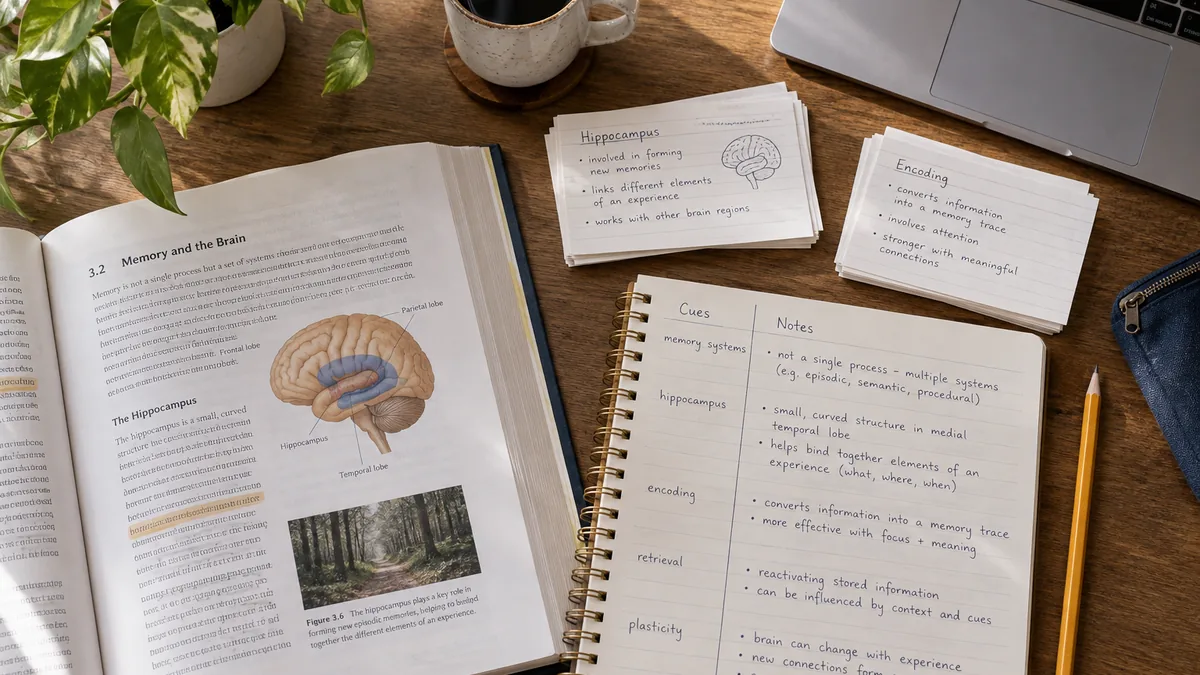
Students can paste their lecture notes and ask the AI to generate study questions based on the content. This creates an instant self-testing tool from your own materials. The AI can also explain complex concepts in simpler terms, provide additional examples, or create mnemonic devices to help with memorization.

Meeting Follow-Up

After a meeting, paste your raw notes into KeepNotes and ask the AI to extract action items, organize discussion points by topic, and generate a clean summary suitable for distribution to the team. What might take fifteen minutes of manual editing can be accomplished in thirty seconds.

AI as a Thinking Partner, Not a Replacement

It is important to understand the role that AI plays in the KeepNotes workflow. The AI assistant is a tool that enhances your thinking — it does not replace it. The best results come from combining your knowledge, creativity, and judgment with the AI's ability to process and reorganize information quickly.

Think of the AI as a very fast, very knowledgeable colleague who can help you brainstorm, proofread, and organize, but who needs your direction and oversight to produce truly valuable output. Your notes are still your notes. The AI just helps you make them better.

Privacy and AI

A common concern with AI-powered tools is data privacy. When you use the AI assistant in KeepNotes, your note content is sent to the AI service for processing and then the result is returned. KeepNotes does not store your AI interactions or use your content for training purposes. The AI processing is a one-time transaction — your data is sent, processed, and returned without being retained or shared.

If you have notes containing highly sensitive information that you do not want processed by any external service, simply do not use the AI feature on those notes. The AI assistant is entirely optional and only activates when you explicitly request it.

Getting Started with AI Notes

The AI assistant is available to all KeepNotes users at no additional cost. There is no separate subscription, no premium tier, and no usage limit beyond reasonable fair use. To try it, simply create a note with some content, click the AI icon in the toolbar, and choose an action. Experience firsthand how AI can enhance your note-taking workflow.

Try AI-powered notes now at KeepNotes.online